dgd88 Login
Sign In & Play Now
Use your registered mobile number and password to sign in. Your balance, bonuses and game history are all waiting. If you don't have an account yet, register here in under two minutes.
- SSL Encrypted
- bKash & Nagad
- 24/7 Support
- 18+ Only
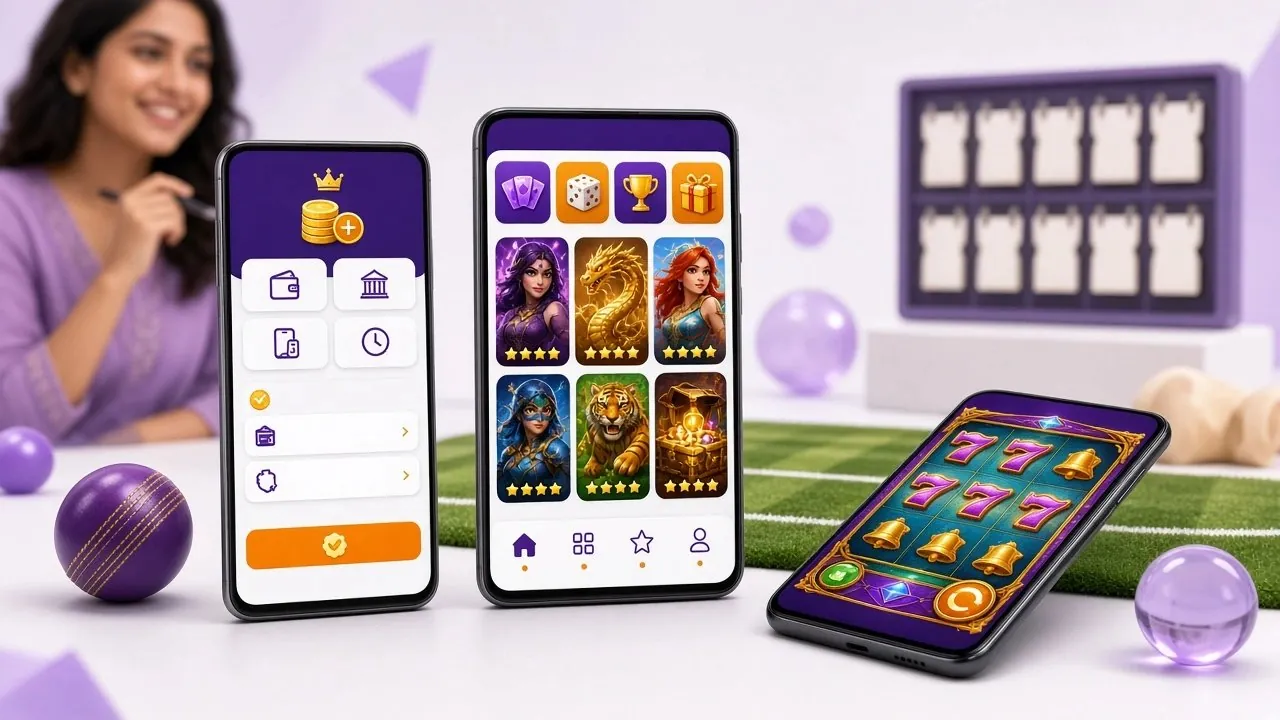
The whole process takes under 30 seconds on a phone. Follow these four steps — works the same in a browser or inside the dgd88 app.
-
1
Open the Login Page
Go to dgd88.ws/dgd88-login/ in any browser, or tap Log In inside the dgd88 Android app. The login form loads instantly — you don't need to wait for the full casino lobby. If you saved the page to your home screen, it opens straight to this form.
-
2
Enter Your Mobile Number
Type the mobile number you registered with — the same number linked to your bKash or Nagad wallet. Use the full Bangladeshi format starting with 01. No country code prefix is needed in the field. Double-check for typos before moving to the password field.
-
3
Enter Your Password
Type your password carefully — it is case-sensitive. Tap the eye icon on the right to reveal the characters if you're unsure. If you've enabled Remember me on a trusted personal device, your credentials stay filled in for future visits, so you won't need to retype them every session.
-
4
Tap "Log In to dgd88" and Play
Press the red Log In to dgd88 button. If the credentials are correct, you'll land directly in your account dashboard within a few seconds. From there you can go to the casino lobby, check your bonus balance, make a deposit, or jump straight into a game — no extra verification needed unless you're doing your first withdrawal.
dgd88 supports three login routes. All three reach the same account — choose what suits your device and situation.
| Method | What You Need | Best For | Notes |
|---|---|---|---|
| Mobile Number + Password | Registered 01X number, your chosen password | Desktop browsers, any device on first login | Default method. Works on all browsers. Enable "Remember me" to skip typing next time. |
| Username + Password | Username set during registration, your password | Players who prefer not to show their phone number | Usernames are set at registration. If you forgot yours, the mobile number login always works as a fallback. |
| dgd88 Android App | dgd88 App v3.4.19 installed (Android 7.0+), saved login | Daily players who want one-tap access on mobile | App is 36 MB, free to download at /dgd88-app/. Faster loading than mobile browser. Supports auto-fill from device password manager. |
All three methods share the same session and wallet. Logging in via app while also logged in on a browser will keep both sessions active until you manually log out.
Most login failures have a simple fix. Check this table first — it covers every common issue our support team sees from Bangladesh players.
| Problem | Likely Cause | What to Do |
|---|---|---|
| Wrong mobile number or password error | Caps Lock is on, or you typed a space at the start or end of the password field | Turn off Caps Lock, then tap the eye icon to see what you're typing. Try copy-pasting your password from a notes app to rule out keyboard input errors. Reset your password at section 6 if the issue continues. |
| Account temporarily locked | Five or more failed login attempts within 10 minutes trigger a temporary lock | Wait 15 minutes, then try again with the correct credentials. If you're unsure of your password, use the reset flow during the wait — don't keep retrying wrong passwords as this extends the lock. |
| Page won't load or spins forever | Slow mobile data connection, ISP blocking, or outdated browser cache | Switch from mobile data to Wi-Fi (or the reverse). Clear your browser cache: on Chrome tap Menu → Settings → Privacy → Clear browsing data. If your ISP blocks the domain, download the dgd88 app — it uses a direct connection that bypasses most restrictions. |
| OTP or verification code not arriving | SMS delay from the carrier, or the number saved on the account is a different SIM | Wait up to 2 minutes — Nagad and Rocket can be slower than bKash for SMS delivery. Check that your SIM is active and has signal. If you changed your SIM card since registration, contact 24/7 live chat with your old number and account details so support can update the record. |
| "Account not found" message | You may have registered with a different mobile number, or the account was not fully confirmed | Try the alternate number you use. Partial registrations (where the final confirmation step was skipped) do not create an active account. In that case, complete a fresh registration at /dgd88-register/ — it takes under two minutes and your first deposit bonus resets. |
| Login succeeds but balance shows ৳0 | You are on a demo/guest wallet, or a deposit is still processing | Deposits via bKash and Nagad arrive within ৳2 minutes. Check your deposit history in the account dashboard under "Transactions". If a deposit is older than 10 minutes and still not reflected, send your bKash transaction ID to live chat — support can trace it in real time. |
Your account holds real ৳ balance and withdrawal rights. These five habits keep it safe — especially if you play on shared devices or public Wi-Fi.
-
Use a unique password
Don't reuse your bKash PIN or Facebook password on dgd88. A good password has at least 10 characters, mixes upper and lowercase letters, and includes one number. A password manager (most are free) handles this for you so you never forget it. Change your password immediately if you suspect someone else knows it.
-
Keep your registered SIM active
Your mobile number is the master recovery key for your account. If you change SIM cards or switch operators, contact dgd88 live chat first to update the number before you lose access to the old SIM. Without the original SIM, SMS-based verification will fail and account recovery takes longer.
-
Log out on shared devices
If you log in from a friend's phone, an internet café, or a shared tablet, always tap Log Out from your account menu before handing the device back. Don't tick "Remember me" on devices you don't own. Active sessions remain live until explicitly logged out — even if you close the browser tab.
-
Only use the official URL
The only real dgd88 login address is dgd88.ws/dgd88-login/. Phishing sites copy the design and collect your credentials. Always check the address bar — look for the padlock icon and the exact domain. If a Facebook post or Messenger link takes you to a different domain, do not enter your password there.
-
Never share your login details
dgd88 support staff will never ask for your password in live chat, by SMS, or by phone call. If anyone — including someone claiming to be from dgd88 — asks for your password or OTP, refuse and report it to [email protected] straight away. Account sharing also violates the terms of service and can result in a permanent suspension.
Locked out? The recovery process uses your registered mobile number. Have your SIM card ready — you'll receive an SMS within about 60 seconds.
-
1
Tap "Forgot password?" on the login form
The link sits just below the password field. Tapping it opens the password reset screen. Enter the mobile number you registered with — it must be the exact number on file, including the leading 01. If you have two numbers and are unsure which one you used, try both before contacting support.
-
2
Enter the OTP sent to your phone
A 6-digit one-time code arrives by SMS within 60 seconds. Type it into the verification field exactly as it appears. OTP codes are valid for 5 minutes only — if yours expires before you enter it, tap Resend OTP to get a fresh one. Each code can only be used once.
-
3
Set a new password and log in
Type your new password twice to confirm it matches. Minimum length is 8 characters. After saving, you'll be redirected to the login form — sign in immediately with the new password to confirm it works. Update your password manager or note it somewhere safe.
Six questions that come up regularly from Bangladesh players. If yours isn't here, live chat is available around the clock.
Can I log in without a registered account?
I changed my mobile number — how do I log in now?
Is the login page safe on mobile data?
How many devices can I be logged in on at once?
Why does logging in redirect me to the homepage instead of the lobby?
Do I need to complete KYC before I can log in and play?
- Create a new dgd88 account
- Download the Android app
- Browse the casino lobby
- How to deposit via bKash
Live support is available 24/7. Average response time is under 2 minutes.
Email SupportNew accounts get 165% on the first deposit, up to ৳15,000. Minimum deposit ৳250. ×10 wagering.
Register to claim- Total Games
- 4,700+
- Min. Deposit
- ৳250
- Withdrawal Time
- 7 Min
- Welcome Bonus
- 165%